
Fashion portraits
Reduce moire on shirts, jackets, dresses, ties, and patterned accessories while keeping faces and garment shape natural.
Clothing and textile cleanup
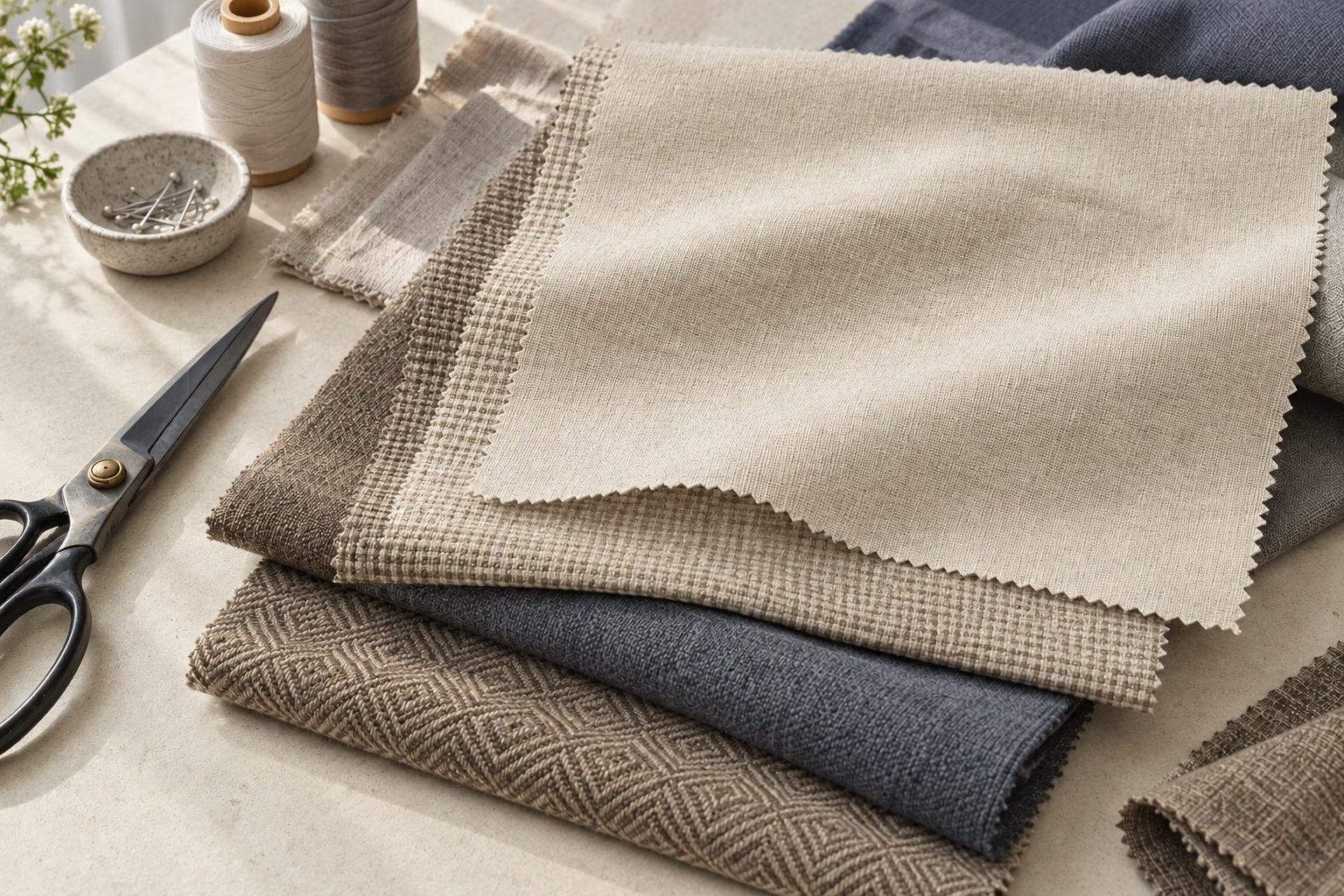
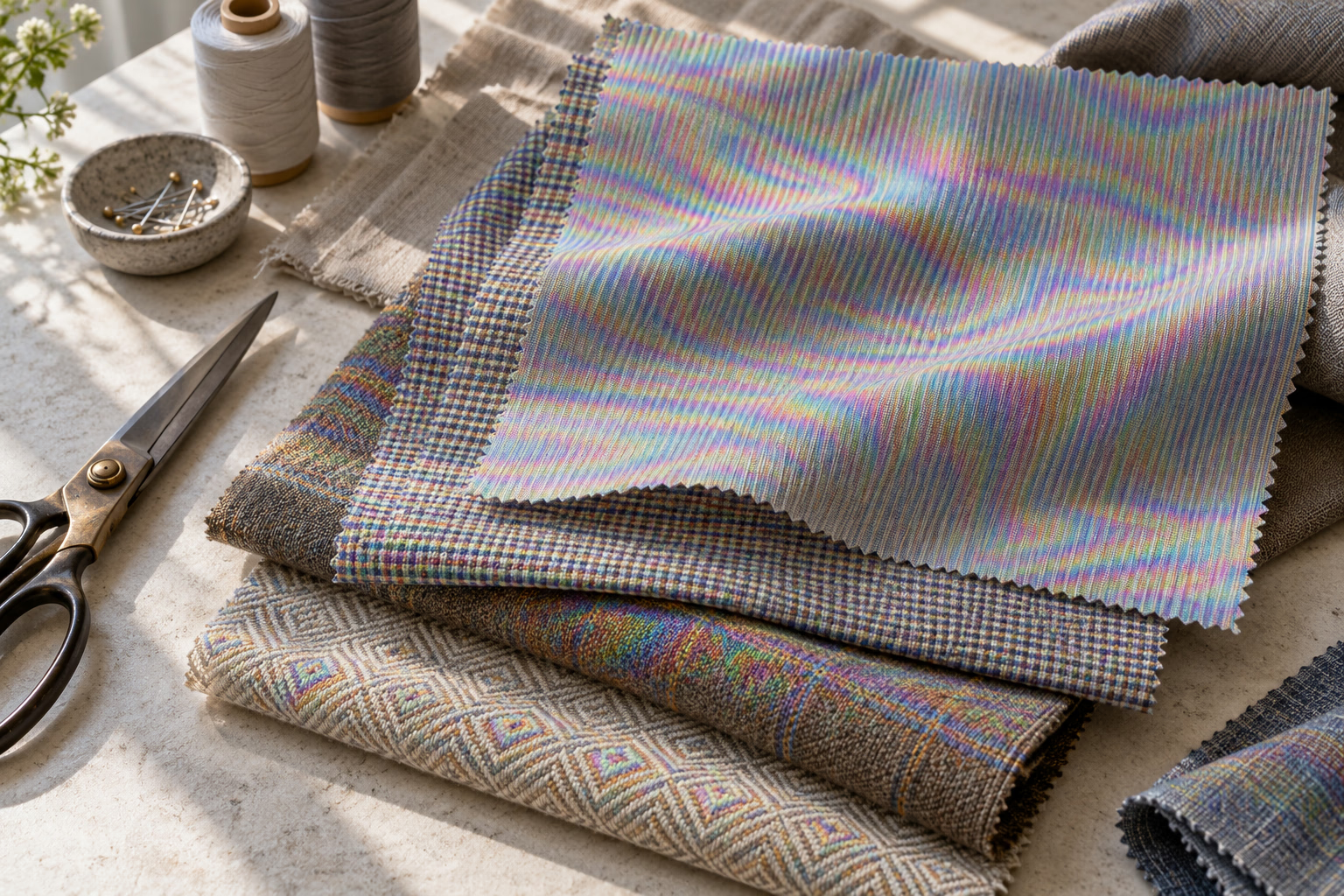
Reduce false waves, rainbow colors, and shimmering interference on striped shirts, woven jackets, mesh, checks, and other detailed textiles. The fabric moire remover cleans camera artifacts while working to retain the real weave, shape, color, and folds of the garment.
Supports JPG, PNG, WebP, and PDF
Common use cases
Process common sources of moire while keeping the subject, composition, and useful detail recognizable.
Reduce moire on shirts, jackets, dresses, ties, and patterned accessories while keeping faces and garment shape natural.
Use the remover on product photos so buyers can see color, construction, and fit more clearly.
Improve photos of upholstery, curtains, rugs, woven swatches, mesh, and printed fabric used in catalogs or client reviews.
Simple browser workflow
Upload the original image, let the fabric moire remover clean the unwanted pattern, then review and download the result.
Upload the highest-quality version available. JPG, PNG, WebP, and PDF pages are supported.
Upload nowThe tool examines false waves and colors in the context of the garment and the surrounding scene.
Check seams, edges, folds, logos, and real weave detail with the before-and-after comparison.
Save the cleaned image for a store, portfolio, catalog, marketplace listing, or client delivery.
Textile-focused correction
Fine checks, herringbone, stripes, and woven surfaces can produce different interference patterns. The remover handles fashion, product, and interior photography.
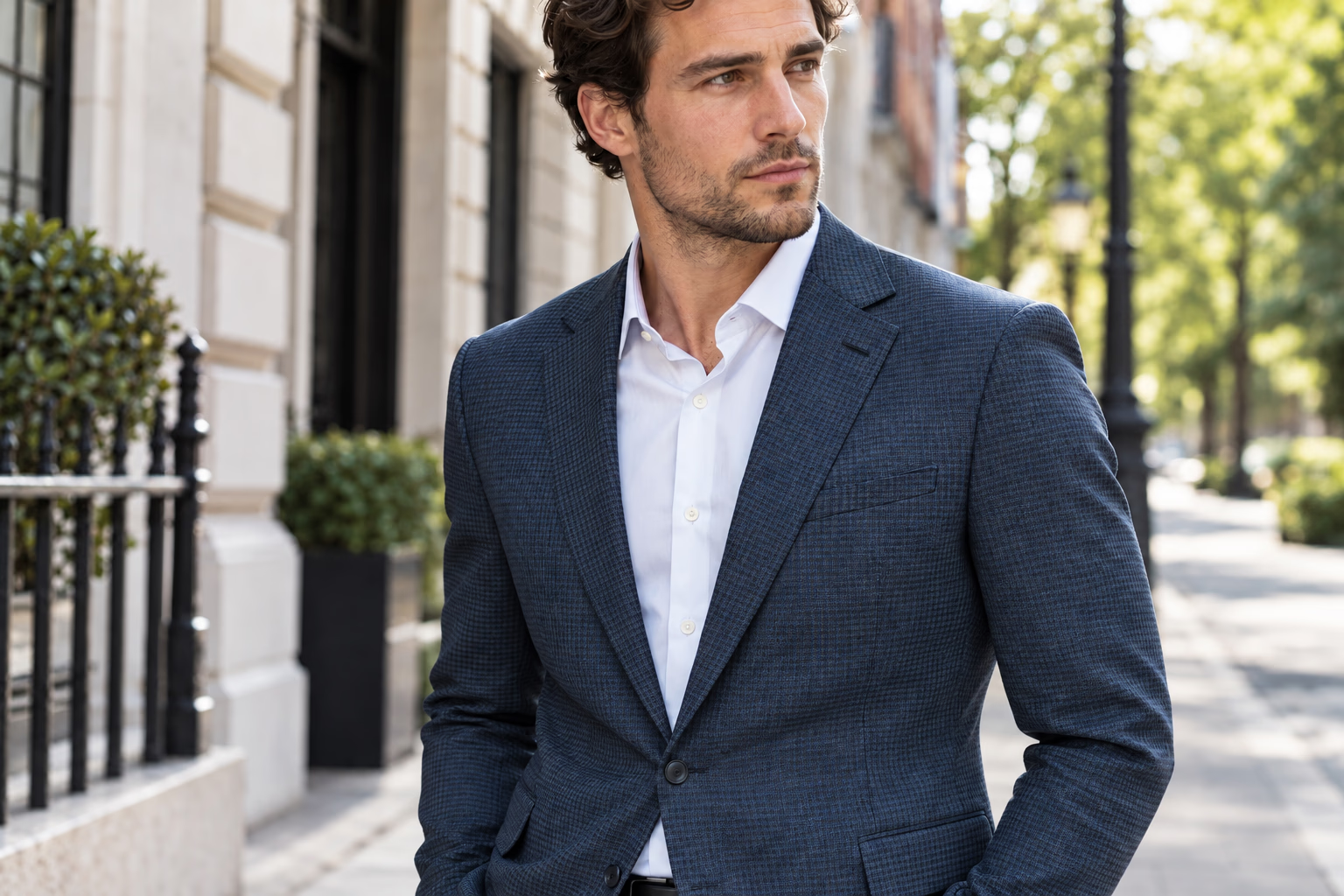
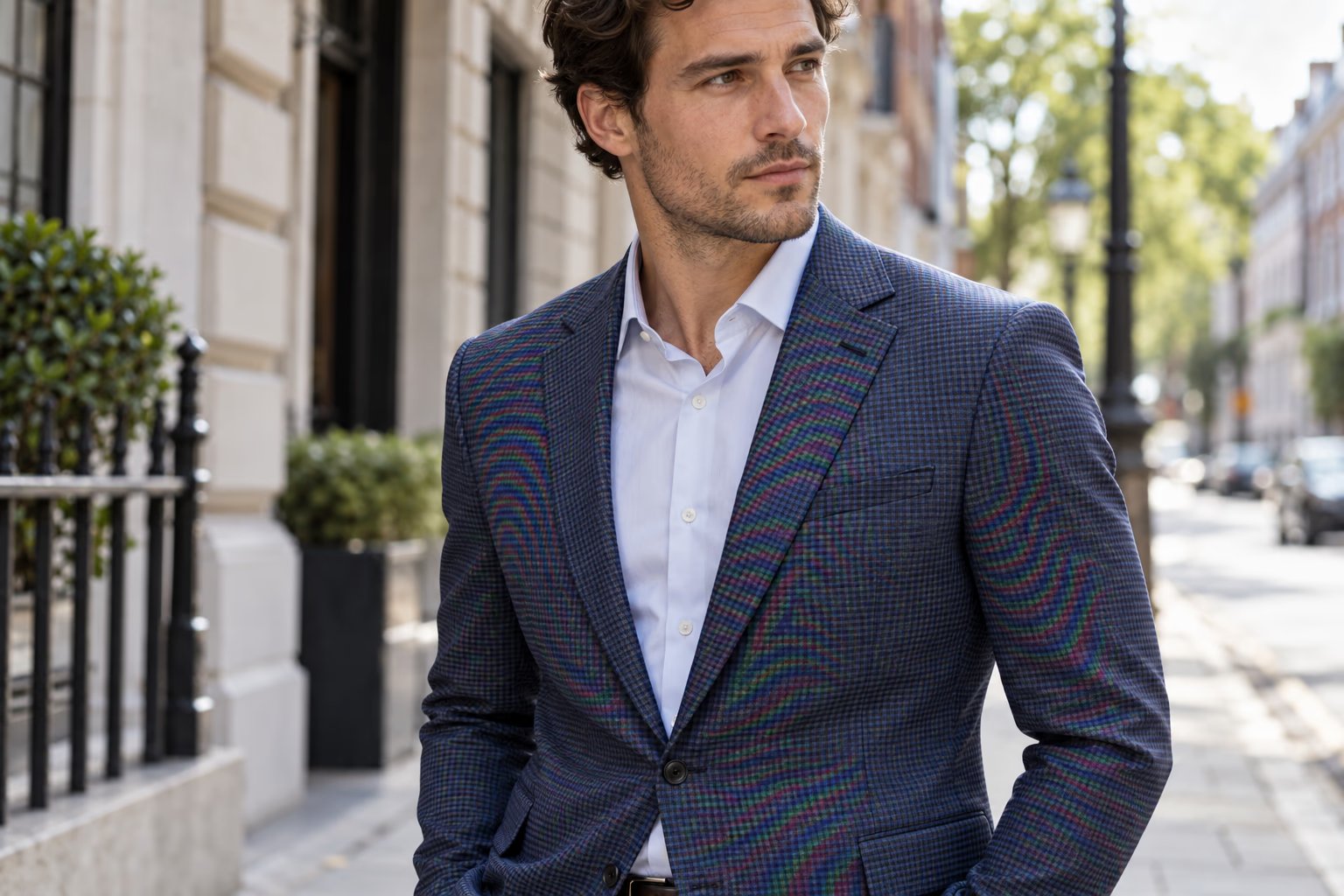
The remover reduces false rainbow waves across suits and patterned jackets while preserving the model, garment shape, seams, and natural street setting.
Upload to start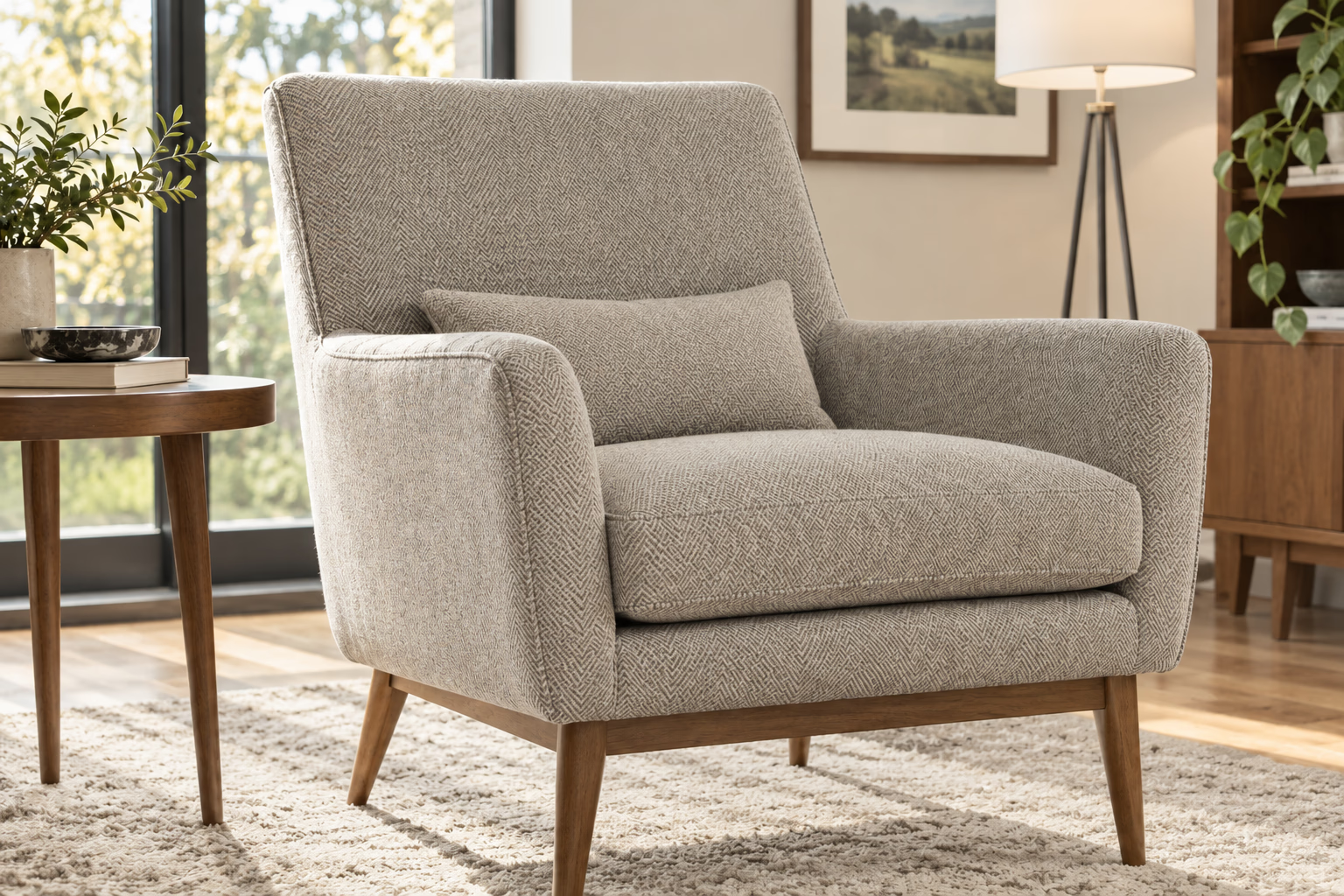
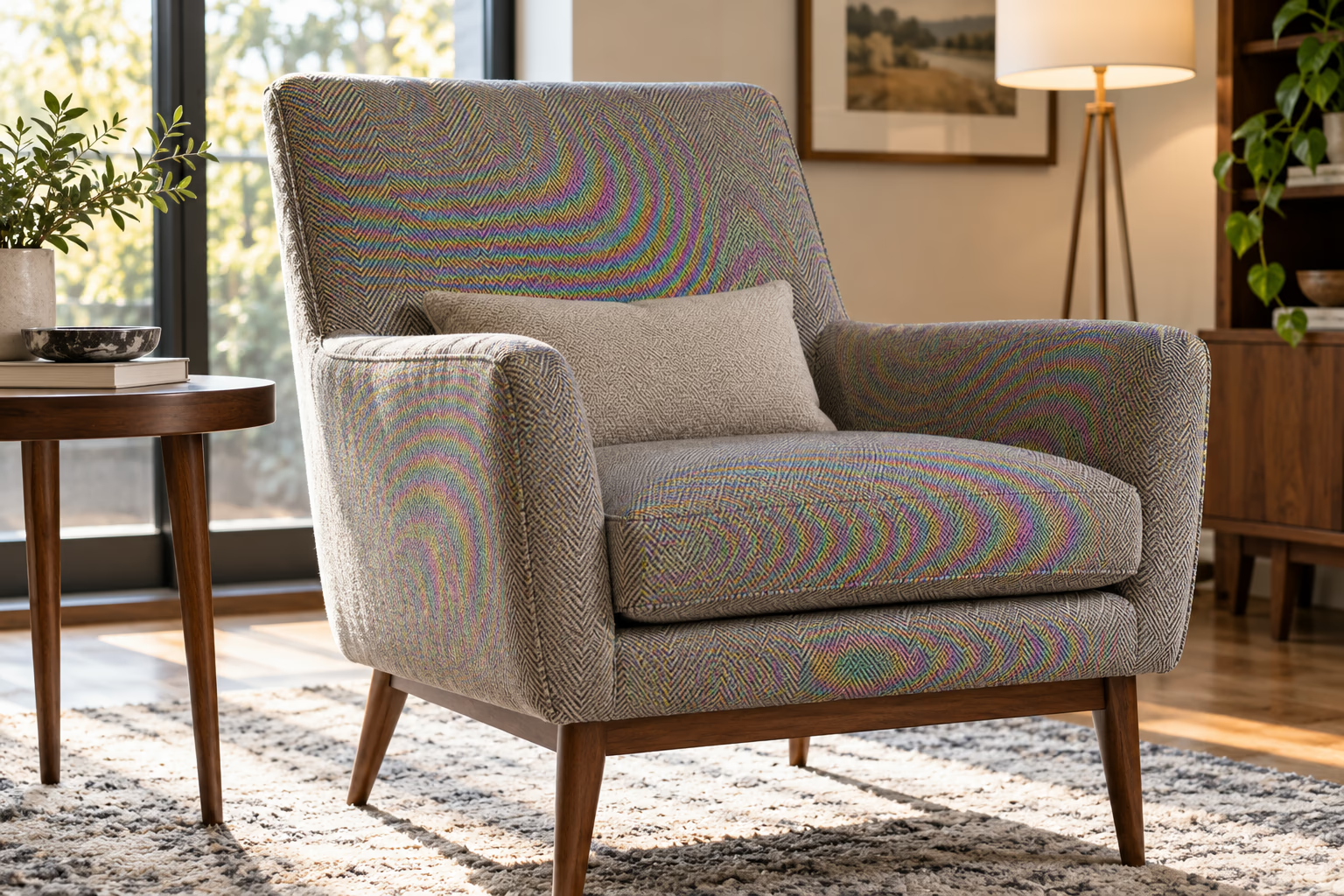
This remover cleans distracting interference from herringbone chairs, sofas, cushions, curtains, and other interior textiles without smoothing the entire room.
Upload to start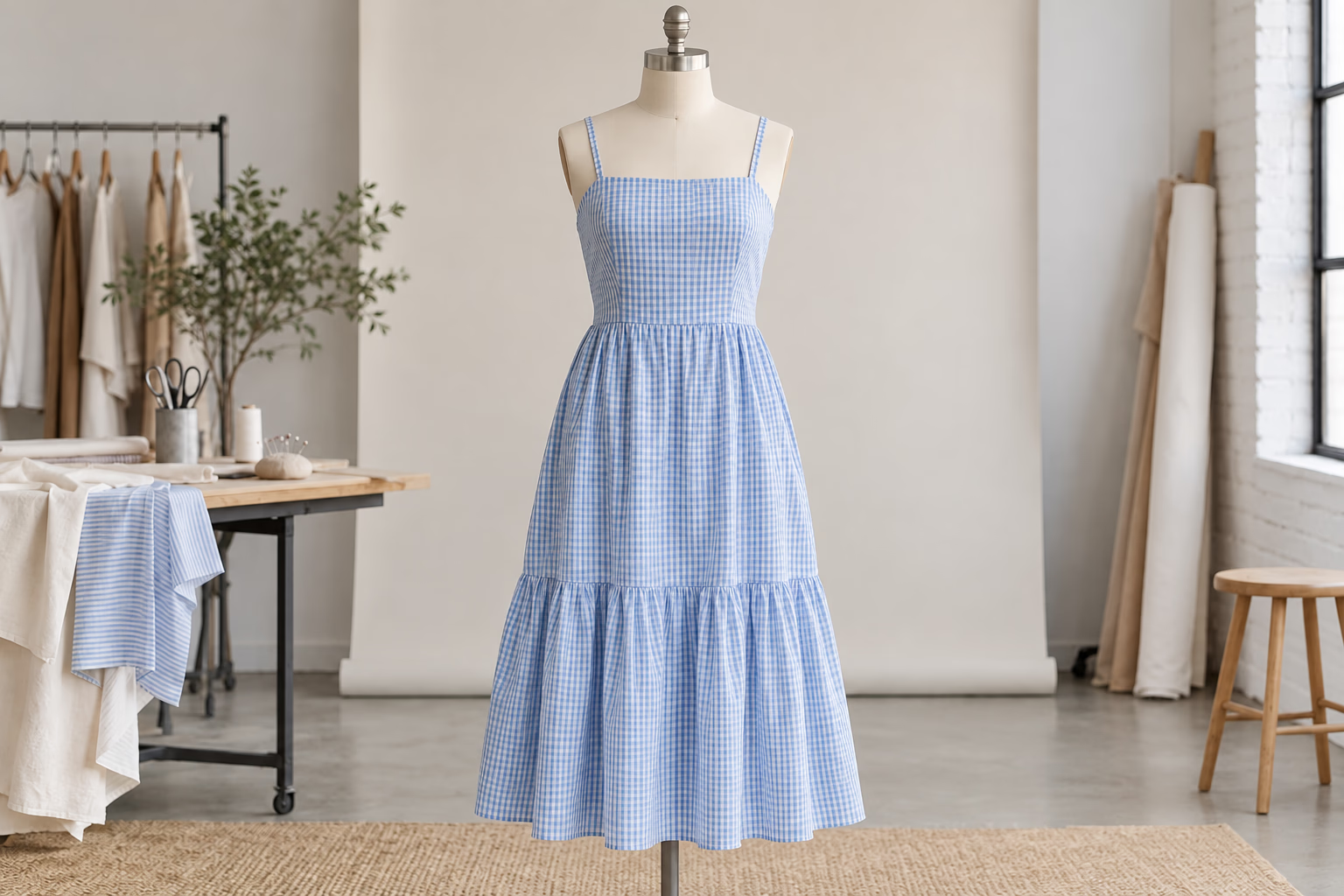
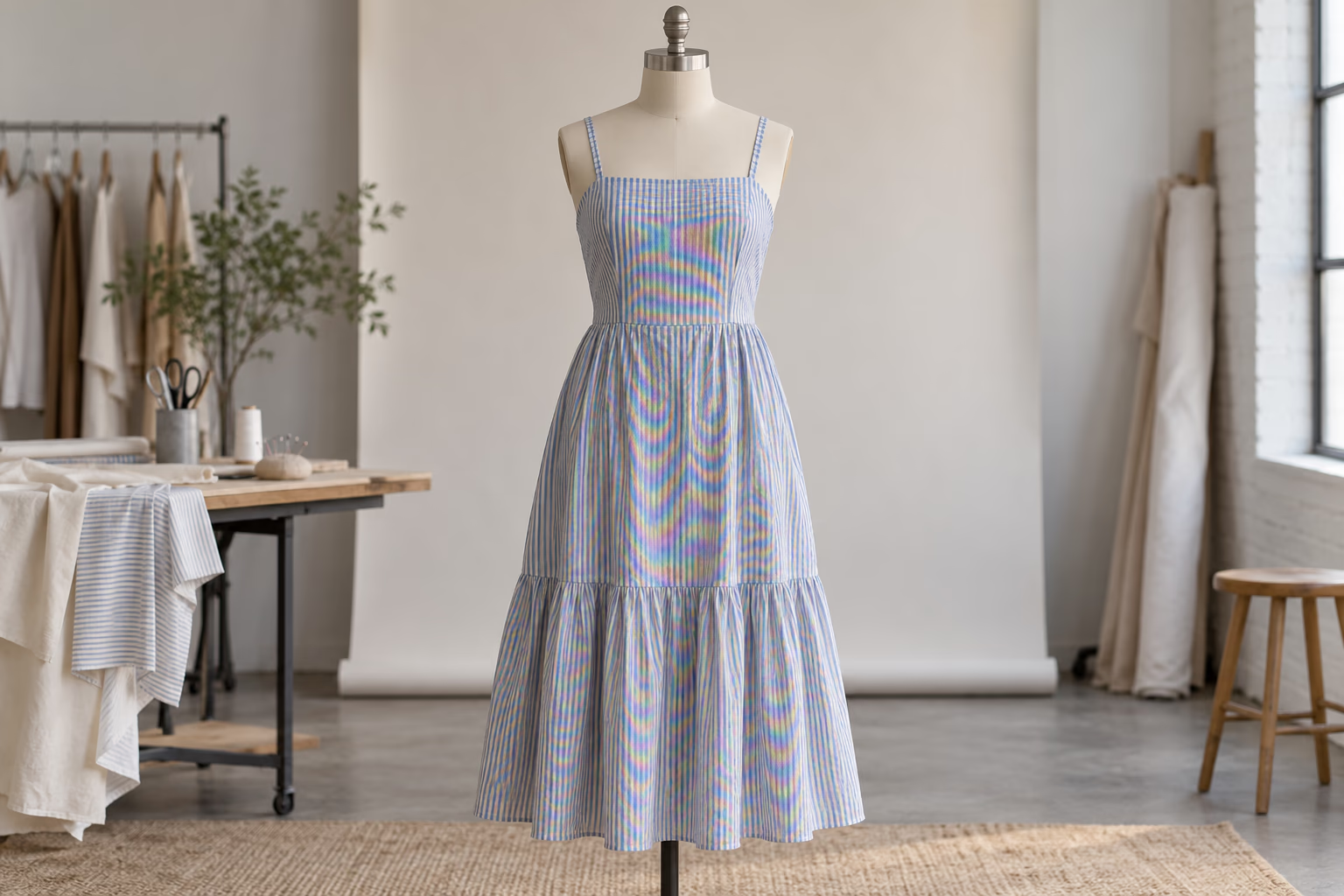
Clean curved waves and false colors on closely striped dresses and catalog samples while retaining folds, construction, and real fabric detail.
Upload to startFor a better result
Helpful details about supported images, expected results, and using the fabric moire remover.
The fabric moire remover is most useful for fine stripes, herringbone, small checks, tightly woven fibers, mesh, lace, knits, and repeated geometric prints. The effect often changes with camera distance, focus, and final image size.
The fabric moire remover aims to retain genuine textile detail while reducing false waves and colors. When the real weave and interference occur at nearly the same scale, some local texture may change, so inspect the Before and After views closely.
Yes. The fabric moire remover processes the complete image and works to preserve faces, skin, garment shape, seams, background, and composition while correcting interference on the clothing.
Yes. The fabric moire remover works on upholstery, bedding, rugs, curtains, cushions, lampshades, baskets, and other finely patterned materials. Results depend on how clearly the real texture remains visible beneath the moire.
The fabric moire remover is instructed to retain the garment's real color and remove only false rainbow interference. Strong moire can make the original color ambiguous, so compare neutral areas, seams, and matching pieces before publishing the result.
The fabric moire remover is designed to keep construction details that belong to the garment, including buttons, pockets, seams, labels, and visible stitching. Very small details covered by severe interference should still be reviewed after processing.
The fabric moire remover supports JPG, PNG, and WebP images, along with supported PDF pages. Use the original camera or studio file when possible instead of a compressed marketplace thumbnail.
Yes. The fabric moire remover can clean clothing, accessories, fabric samples, and interior products before they are added to a catalog or marketplace listing. Confirm that color and material texture remain accurate to the physical product.
Not always. Extremely dense weave, motion blur, low resolution, and heavy compression can merge interference with authentic fibers. The fabric moire remover may reduce the distraction without perfectly recovering every thread.
Use the fabric moire remover on the full-resolution source before aggressive resizing, sharpening, or compression. These edits can strengthen aliasing and remove information that helps distinguish false patterns from genuine fabric detail.
Change the camera distance or angle slightly, use a different focal length, and reduce excessive in-camera sharpening. Softer light and a modest depth of field can also keep very fine patterns from dominating the image.
The workflow keeps the input aspect ratio rather than forcing the image into a square. Pixel dimensions may be optimized during processing while the subject, framing, and overall composition remain consistent.
Upload your image, remove the unwanted moire, review the result, and download the cleaner version.