
Screens photographed by phone
Clean monitor, television, tablet, kiosk, and projector photos when you cannot take a direct screenshot.
Mobile photo cleanup
Remove rainbow ripples, wavy bands, grids, and false colors from phone photos without installing an editing app. The phone moire remover works in your browser on images captured with iPhone, Android, and other mobile cameras, including screen photos, clothing, printed pages, and repeating architecture.
Supports JPG, PNG, WebP, and PDF


Common use cases
Process common sources of moire while keeping the subject, composition, and useful detail recognizable.
Clean monitor, television, tablet, kiosk, and projector photos when you cannot take a direct screenshot.
Use the remover to reduce false waves on shirts, jackets, curtains, upholstery, mesh furniture, rugs, and other fine textures.
Improve photographed magazines, posters, patterned walls, roof tiles, fences, and building facades with repeating detail.
Simple browser workflow
Upload the original image, let the phone moire remover clean the unwanted pattern, then review and download the result.
Use Safari, Chrome, or another modern browser. No separate mobile app is required.
Upload nowChoose the original image from your camera roll rather than a compressed copy from a messaging app.
Start the cleanup and wait while the tool reduces repeating interference and false color.
Inspect important details, then download the cleaned photo back to your device.
Mobile photo correction
Modern phone processing can strengthen interference in architecture, mesh, screens, and repeating surfaces. The remover helps when a mobile reshoot is not practical.


The remover reduces false color waves on tiled facades, balconies, windows, and patterned buildings while preserving the wider street scene.
Upload to start
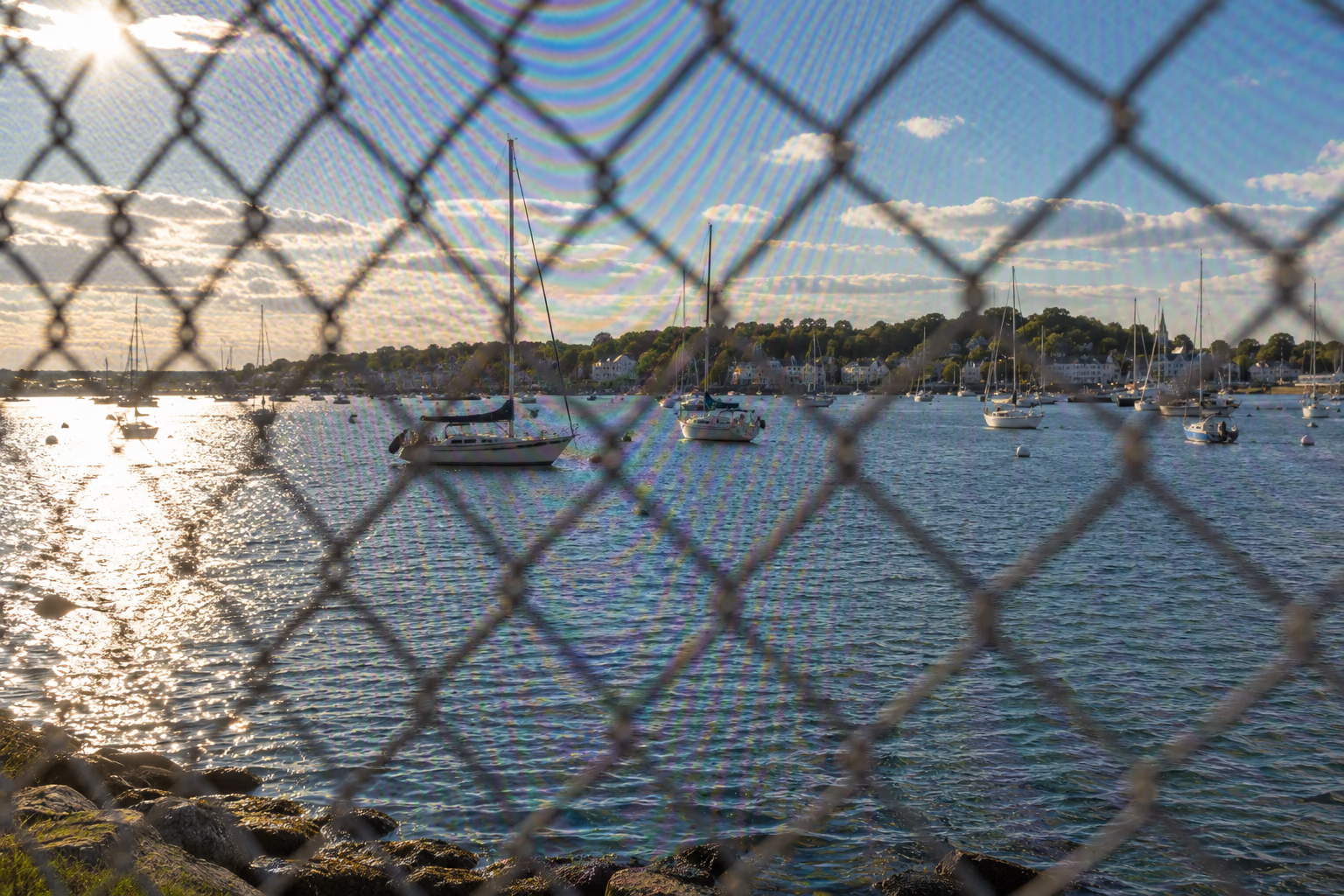
This remover cleans wavy grid artifacts created when a phone camera captures chain-link fences, netting, screens, and other fine repeating structures.
Upload to start
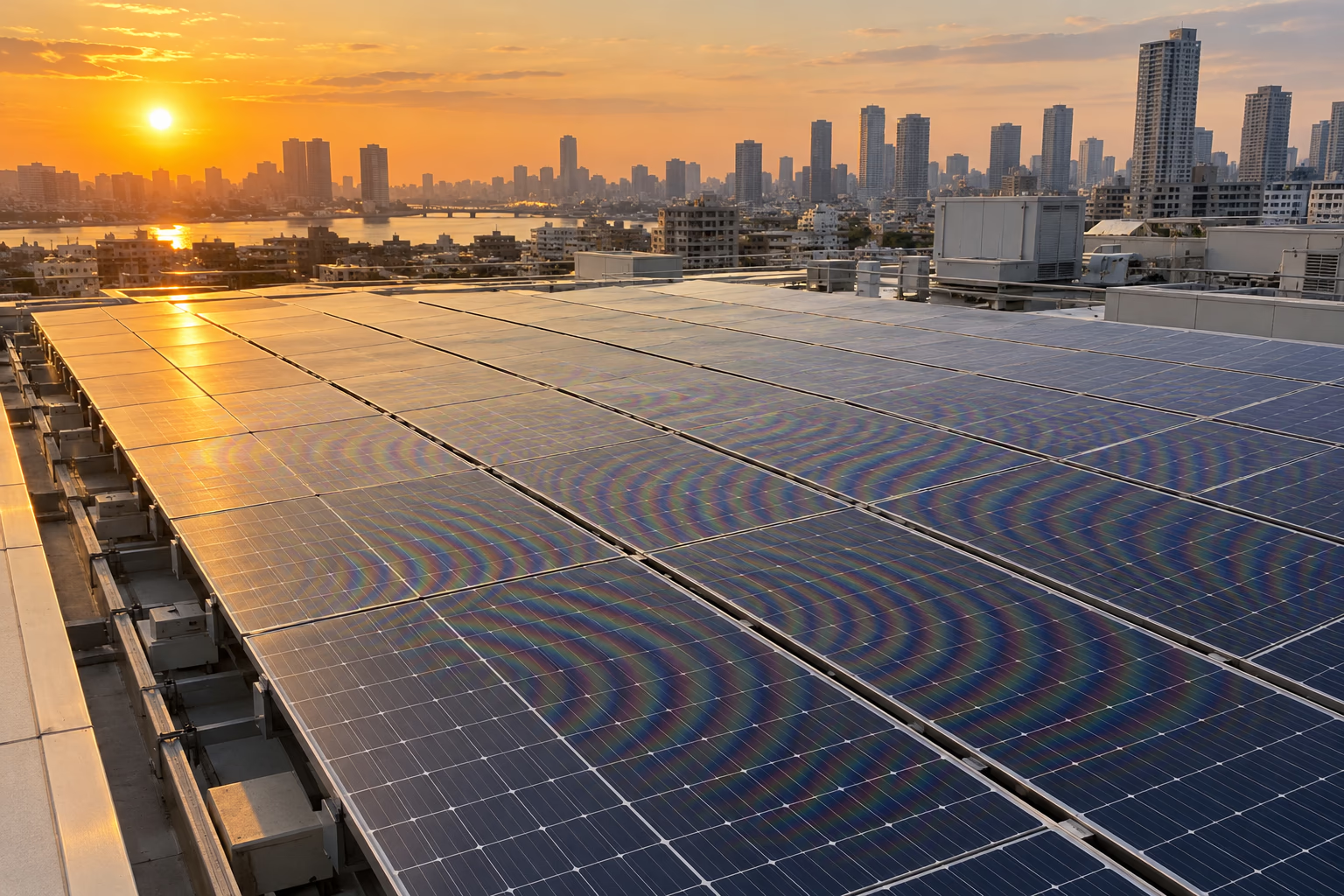
Reduce curved bands and rainbow aliasing across photovoltaic cells, roof patterns, grilles, and other dense geometric detail.
Upload to startFor a better result
Helpful details about supported images, expected results, and using the phone moire remover.
No. The phone moire remover runs in a supported mobile or desktop browser, so you can upload from your camera roll and save the processed result without installing a dedicated editing app.
Yes. The phone moire remover works with images from iPhone, Samsung Galaxy, Google Pixel, and other mobile devices where repeating detail interacts with the camera sensor.
Yes. Screens are a common source of mobile-camera moire. The phone moire remover can reduce ripples, colored bands, and pixel-grid patterns in photos of monitors, televisions, tablets, kiosks, and projectors.
The phone moire remover preserves the input aspect ratio so the image is not forced into a square crop. Output pixel dimensions may be optimized during processing while the original framing remains consistent.
The phone moire remover works on clothing, printed pages, tiled buildings, fences, solar panels, mesh, and other scenes with fine repeating detail. The underlying subject should remain recognizable beneath the pattern.
Yes. The phone moire remover performs best with an original camera file. Messaging apps and social platforms often resize and compress photos, which can add new artifacts or remove useful detail.
You can, but the phone moire remover has more useful detail when the source has not received strong sharpening, beauty filters, noise reduction, or repeated compression. The unedited camera file is usually more reliable.
Before using the phone moire remover, try changing your distance or angle, keeping the phone steady, and avoiding excessive digital zoom. For screens, keep the camera parallel and adjust focus.
Not always. Severe interference, blur, low resolution, overexposure, and compression can hide genuine information. The phone moire remover may reduce the distraction even when it cannot reconstruct every affected detail perfectly.
The phone moire remover accepts JPG, PNG, and WebP images, as well as supported PDF pages. Most standard photos saved by iPhone and Android devices can be uploaded directly through the browser.
The phone moire remover is designed to preserve the subject, composition, lighting, and real textures while cleaning repetitive interference. Compare faces, text, product colors, and straight edges before downloading a final result.
Yes. The page works in supported desktop and mobile browsers. You can upload a phone photo from your computer if it has already been transferred there without additional compression.
Upload your image, remove the unwanted moire, review the result, and download the cleaner version.