
How to Remove Moire from Manga Scans
Before & after
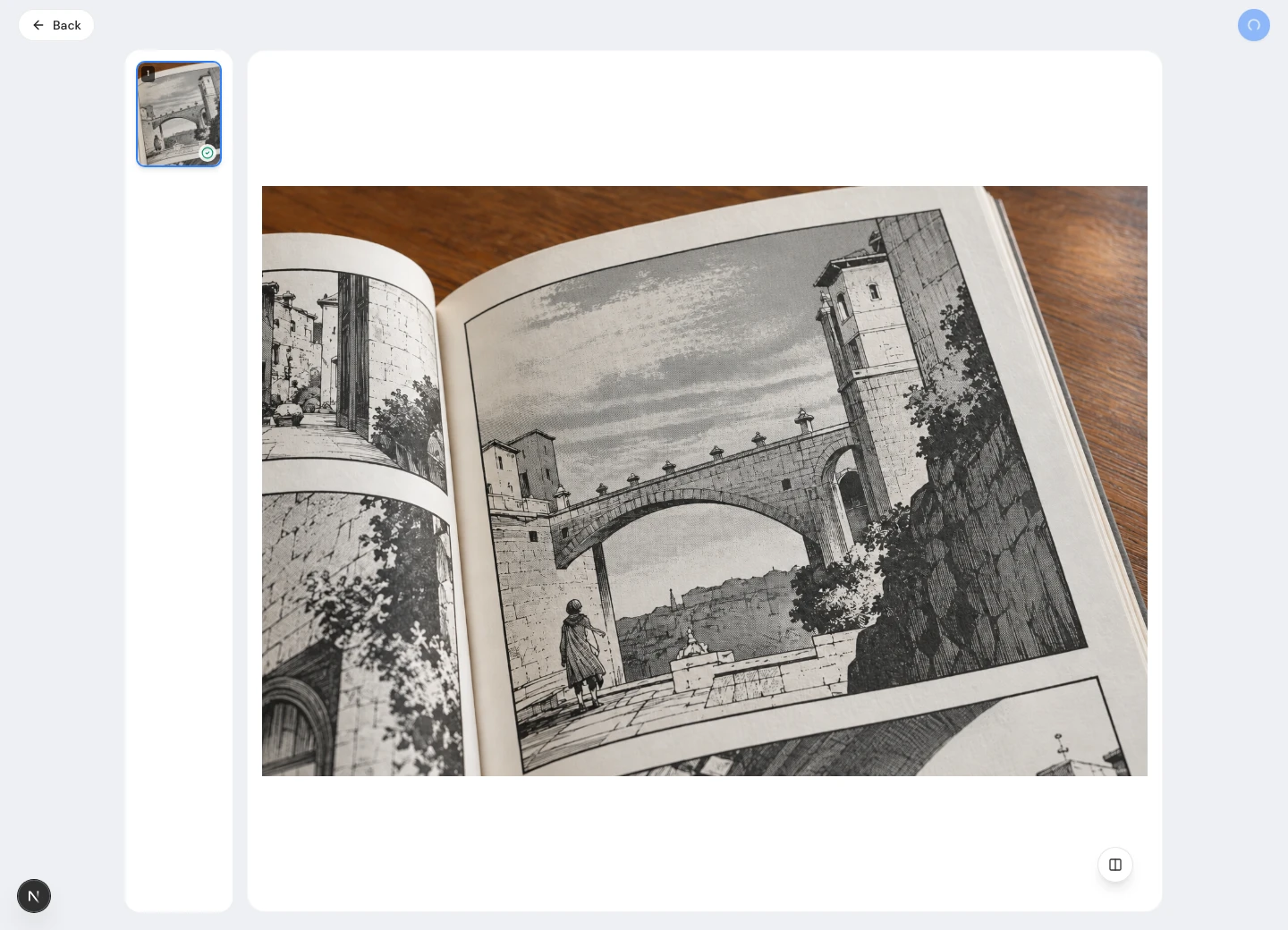
Actual tool output for the same manga image used in the three-step walkthrough below.
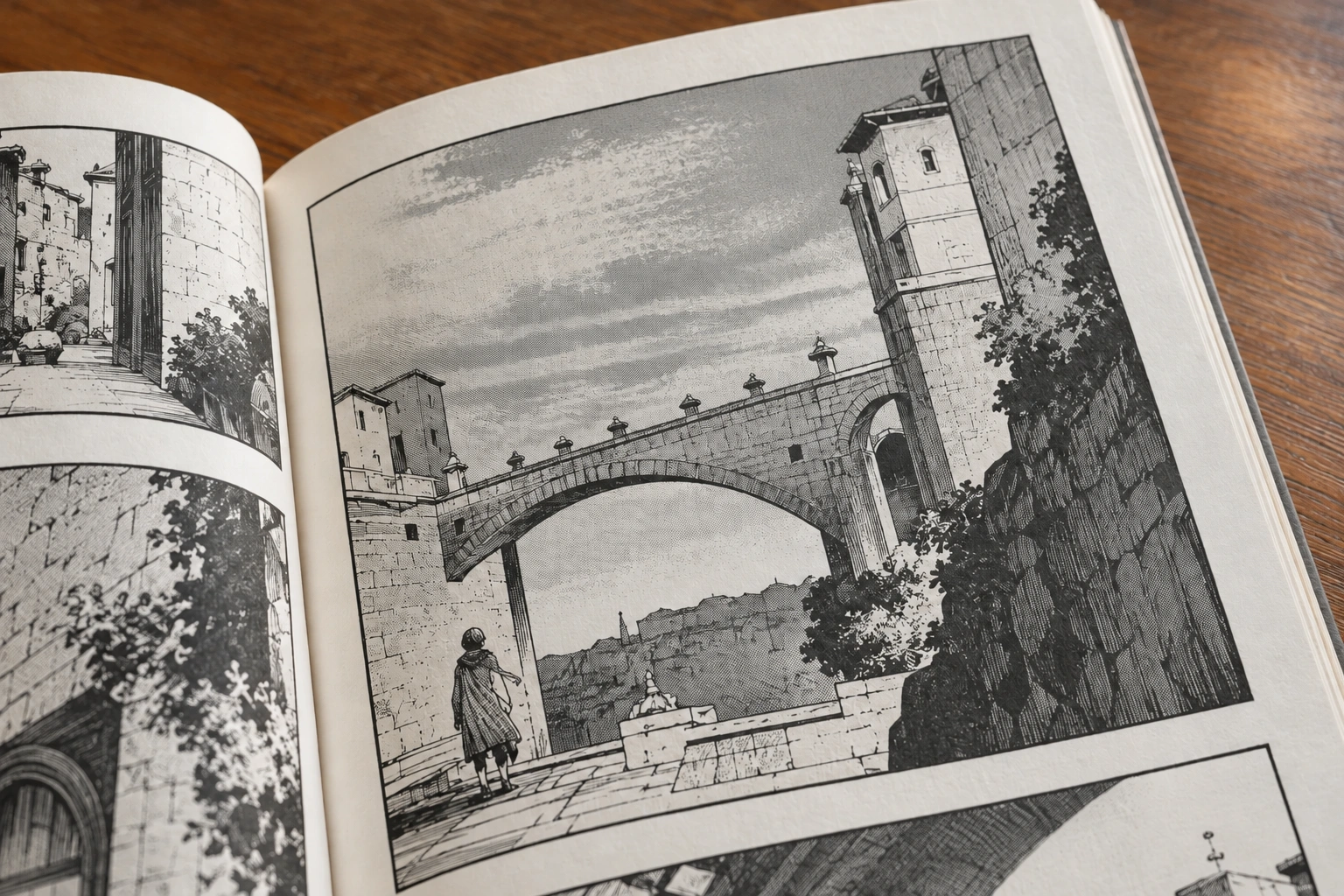
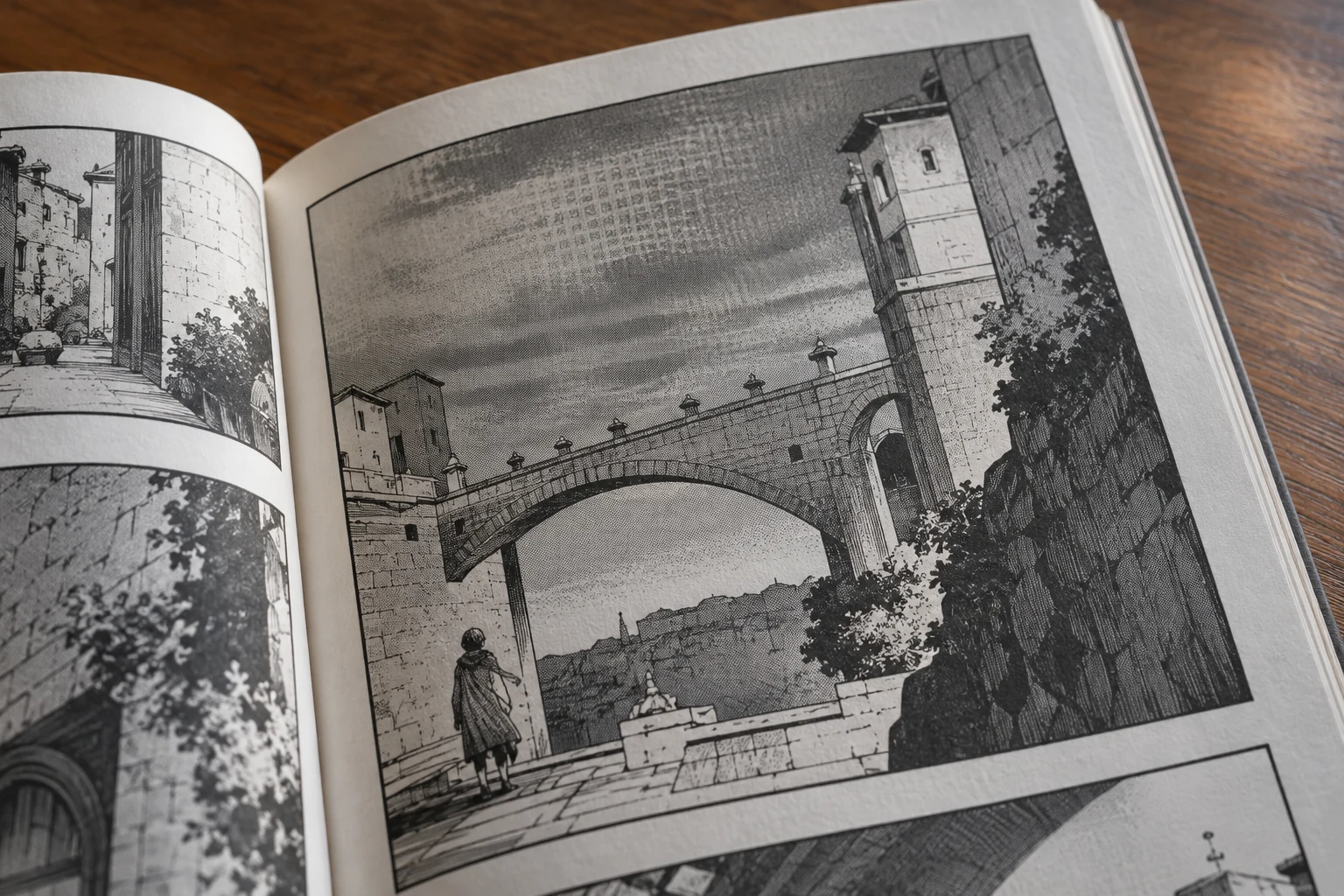
Separate manga screentones from moire
To remove moire from manga scans, first separate unwanted interference from the artist's marks. Manga shading often uses intentional screentones: regular dots, lines, or textures. Scanning can add larger waves across that shading. Your goal is to remove those waves while preserving the intended tone, not to remove every repeated mark. Compare an even gray area with a thin outline before choosing a treatment for the page.
If the printed manga is available, use it as a reference for what the digital copy should show. Remove only moire introduced during capture or display. A watered pattern may look similar to deliberate artwork, so decide what to remove by inspecting several panels rather than one patch. Manga restoration can reduce distracting moire without making every surface perfectly smooth; attempts to remove more should stop when real drawing detail begins to change.
Upload a manga scan to remove moire
Open Descreen Image, choose Select files, and upload a supported manga image. Processing starts automatically to remove unwanted print interference. Keep the original manga scan separately so you can compare what changed.
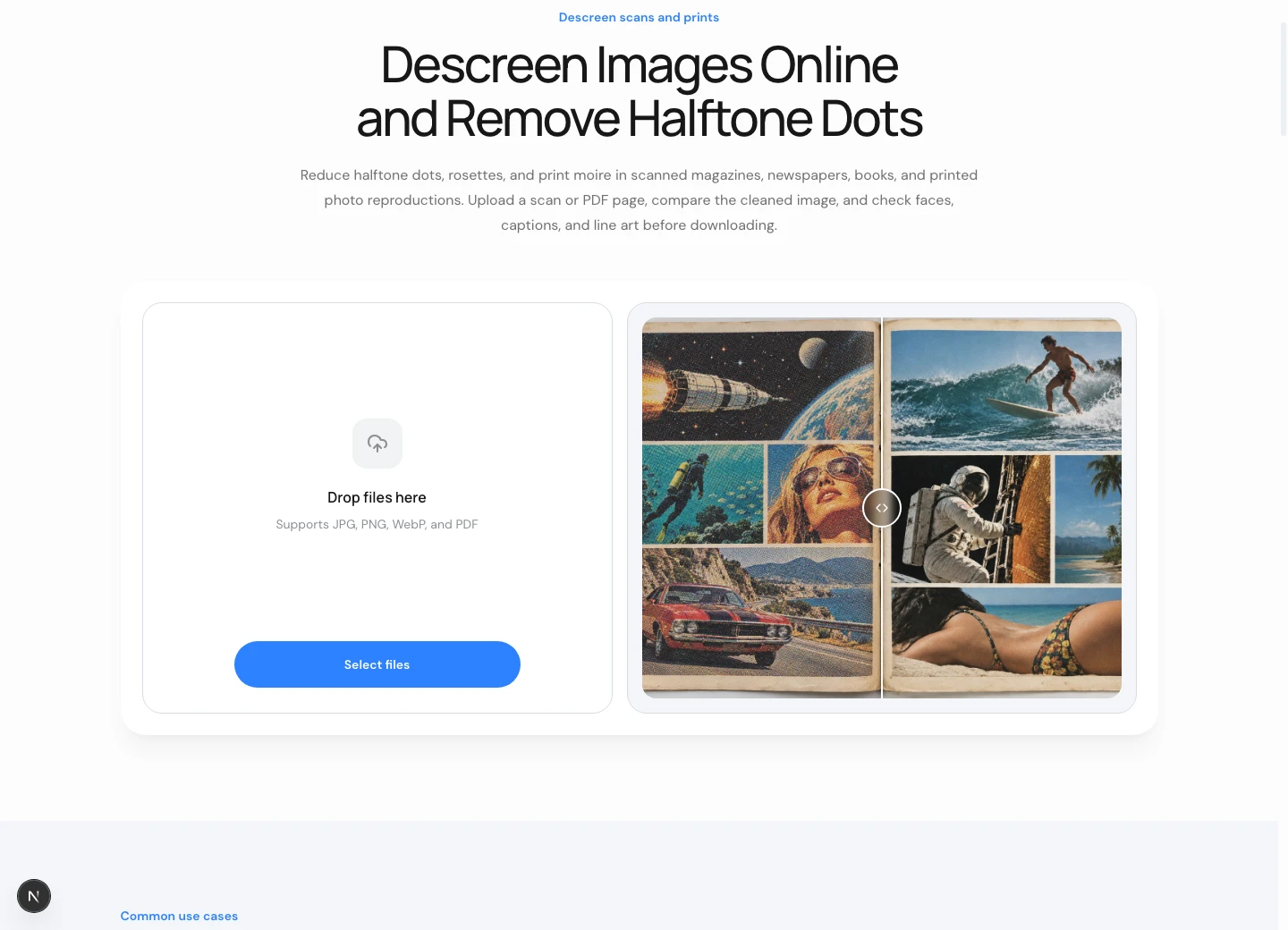
Keep the highest-quality manga scan and make a separate working copy before you remove moire. Messaging copies and screenshots can contain extra compression or resizing artifacts. Preserve the page dimensions and margins so comparison remains straightforward. A clean source gives manga linework its best chance of surviving treatment. You cannot remove severe interference faithfully if the only available file has already merged the original marks into a small blur.
When you can scan again, test what you can remove from a small manga panel before processing a whole book. A scanner's descreen option may remove print interference, but it can also soften intentional shading. Compare the same crop with the option off and on. Choose the version that preserves manga drawing as well as reducing moire. Stronger settings are useful only when they remove the unwanted pattern without sacrificing the marks you need.
Pick four manga reference areas before trying to remove moire: an even screentone, a gradient, fine linework, and lettering. Include obvious moire and a cleaner region beside it. These comparisons reveal whether an attempt to remove waves changes line weight or joins separate dots. Make the checks before uploading, while your expectations are clear. A manga page can look calmer overall yet lose the subtle marks that make an expression or sound effect readable.
Check facial details and crosshatched shadows at full size and at reading size. You may remove moire from a broad gray region while accidentally softening manga eyelashes or closing narrow gaps. Dark silhouettes alone are a poor reference. Keep delicate manga features in view as you remove the larger pattern, and do not remove additional texture merely because the largest preview still shows a pattern that is barely visible in normal reading.
Compare the manga screentones and lettering
Use the lower-right comparison control to toggle between the manga source and the result. Check how much moire the treatment could remove, then inspect screentones, fine outlines, and lettering at the same scale.
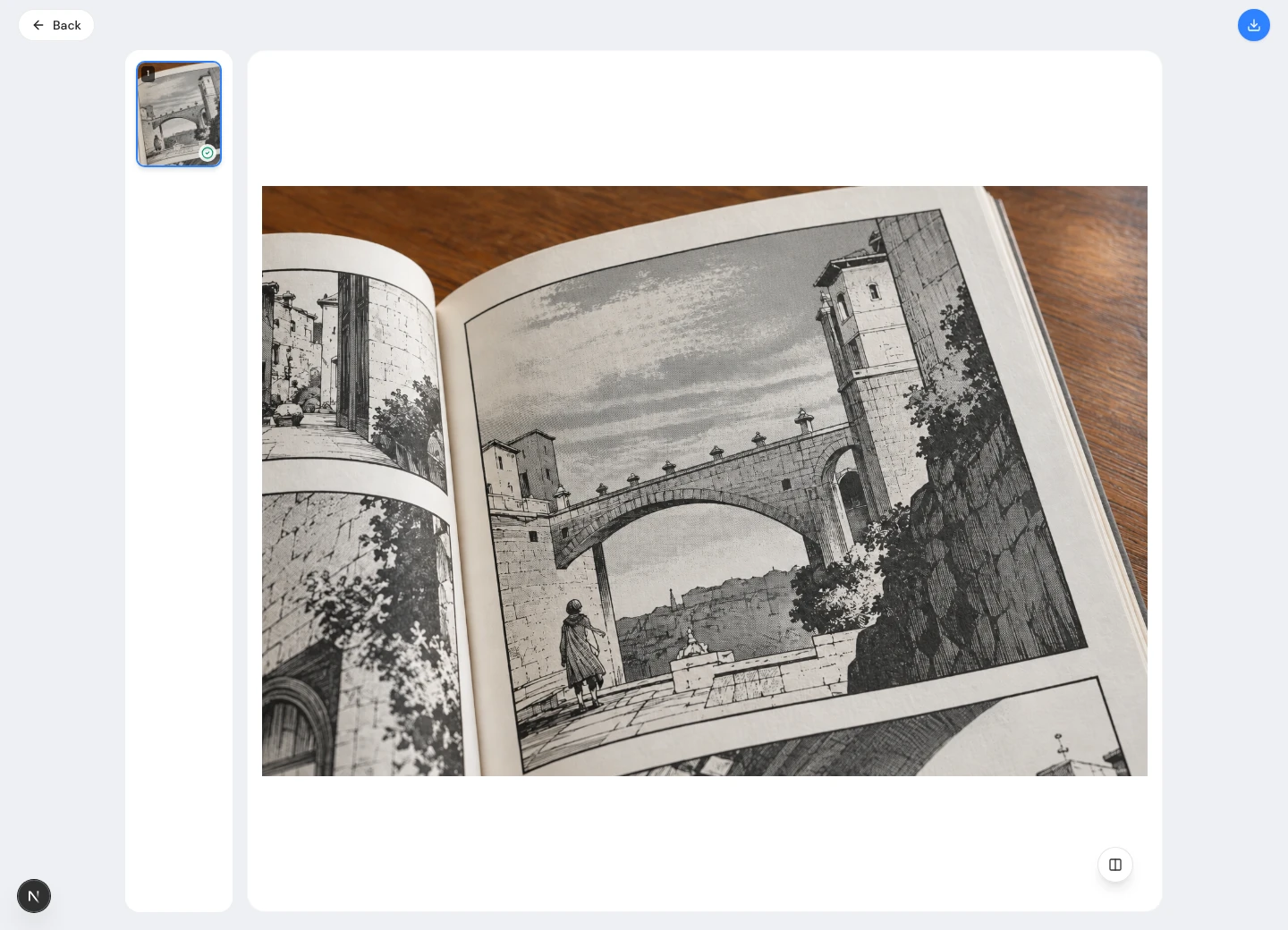
Upload a supported manga image and let the descreen workflow finish before evaluating it. The result is a candidate, not evidence that the tool can remove every kind of moire. Toggle the original to compare your chosen regions. Manga screentones and interference can occupy similar scales, so an attempt to remove one may change the other. Accept the page only when its intended shading remains coherent.
If moire affects a limited region, a local editor can help remove interference without treating the entire manga page. Keep the original outside the selection and inspect its boundary along panel rules. A mask controls where you remove moire, but it cannot guarantee accuracy. Review the manga panel as a whole after the local change. Do not remove a wave at the cost of a visible change in tone between adjacent regions.
Compare thin manga outlines before and after treatment. Hair strands, eyelids, lettering corners, and small gaps should remain distinct. You might remove the strongest moire yet make the drawing heavier because smoothing joins neighboring marks. Inspect several line directions rather than one edge. The useful manga result preserves the reading of the drawing; it does not simply remove the largest number of visible dots from the preview.
Next compare tonal relationships across the manga panel. A light gray should not become darker than a neighboring shade because its dot screen responded differently to processing. Remove only as much moire as those relationships can tolerate. If patterned manga clothing becomes flat or a gradient breaks into patches, return to the original and compare a gentler approach. Trying to remove more interference cannot justify quietly changing the artwork's visual hierarchy.
Use manga material you are authorized to process and reproduce. Keep its source information with both the original and the derivative. This record matters when someone compares an edited manga page with the printed artwork later. Explain whether the aim was to remove scan moire for reading or to preserve printing texture. Neither a cleaner appearance nor permission to edit establishes that a tool can remove interference without altering detail.
Download the corrected manga reading copy
Use the upper-right download icon once the manga result is acceptable. Reopen the saved file to check whether the treatment could remove moire while preserving the intended tone. Keep this full-size manga copy before making a smaller reading version.
After you remove enough moire for comfortable reading, download a full-size manga master candidate. Make a smaller reading copy separately and inspect it in the intended viewer. Resizing changes the interaction between repeating dots and display pixels. A manga page that looks clean at one zoom may show fresh waves at another. Do not remove more detail from the master until you know which output size creates the problem.
Return to the full-size manga master when making another delivery size. Repeatedly reducing an already resized copy can complicate the pattern and make comparison less reliable. Use restrained final sharpening so you do not strengthen residual moire. If you need to remove artifacts from a small manga preview, review the resize first. A second processing pass should remove a real remaining distraction, not compensate blindly for a viewer's scaling behavior.
Compare fit-width and full-size views in your manga reader before trying to remove any new moire. These checks help distinguish moire saved into the file from a pattern introduced while displaying it. An edit cannot remove every possible interaction with every screen. Choose a manga reading size that retains lettering and tone, and keep the master for future exports. If a particular preview looks poor, do not remove useful marks from all versions to accommodate that preview alone.
Preserve the untouched manga scan alongside the corrected reading file. The first records the captured page; the second may remove distracting interference while changing some printing texture. Use clear filenames so future work can begin from the original. If you cannot remove moire without damaging important manga marks, keep a less processed copy. A modest residual wave can be preferable to invented shading or blurred linework.
Questions about moire in manga scans
Should you remove all screentone dots from manga? No. Those dots may be the artist's intended shading. The useful distinction is between that drawing system and unwanted moire introduced by sampling. Remove interference only when the manga panel remains faithful enough for your purpose. A smooth gray replacement can be easier to view while still representing a substantial change to the printed artwork.
Can software remove moire from every manga scan? No. Severe sampling interference can hide or merge marks that a plausible output cannot verify. Compare another source when possible, and reject changes to important lettering or faces. Manga cleanup should remove distractions you can evaluate, not promise recovery of information that no reference confirms. Keep the limitation clear if the only surviving copy is already badly compromised.
Where should you start with a collection? Test whether you can remove moire from one representative manga page before applying the workflow more widely. Compare the same tone, line, and lettering regions each time you try to remove moire. Different manga printing screens may respond differently even within one volume. Save the original, inspect the delivery file, and remove only what the source and intended reading experience justify.